🌐 What is Google Workspace Studio?
Google has introduced a new productivity tool called Google Workspace Studio, a platform designed to let users build, manage, and share AI-powered agents within the Workspace environment — no coding required.
Previously known under its alpha name “Workspace Flows,” Workspace Studio leverages the advanced reasoning and multimodal understanding of Gemini 3 to go beyond rigid, rule-based automations. Instead of simple “if-this-then-that” triggers, Studio’s agents can reason, understand context, and adapt to new information — making them capable of handling complex workflows spanning multiple apps.
Workspace Studio aims to democratize AI and automation: with it, every employee — even those without technical skills — can create custom agents in minutes, simply by describing what they want done in natural language.
🚀 Why Google Launched Workspace Studio
According to Google, the main motivation behind Workspace Studio is to cut down on the mundane, repetitive tasks that consume employees’ time: sifting through hundreds of emails, managing follow-ups, organizing meeting notes, handling approvals, and so on. Legacy automation tools were often too rigid or required coding knowledge — limiting their reach to technical users.
With Workspace Studio, Google intends to bring tool-level automation to every user by combining AI reasoning power (via Gemini 3) with deep integration across Workspace apps like Gmail, Drive, Docs, Chat, and more. The core promise: “delegate the boring work” to AI, so humans can focus on more meaningful tasks.
🧠 What Workspace Studio Can Do: Key Features
Here’s a breakdown of what Google Workspace Studio offers out of the box:
No-code agent creation: Users can build agents simply by writing instructions in plain language (e.g., “If an email contains a question address me”). Within minutes, Gemini 3 configures triggers, actions, and variables under the hood.
Multi-app integration: Workspace Studio spans across Gmail, Drive, Chat, Sheets, and more — even allowing integration with third-party enterprise tools like Asana, Jira, Mailchimp, Salesforce and custom internal systems.
Flexible, intelligent workflows: Agents aren’t limited to simple rules. Thanks to Gemini 3’s reasoning, agents can extract info from emails or attachments (e.g., invoice numbers, action items), draft responses, label and prioritize messages, save data to Sheets or Drive, and even post summaries in Chat — all based on context, not just triggers.
Templates & quick start: For common tasks (email sorting, meeting-note summaries, follow-up reminders), prebuilt templates make it easy for non-technical users to get started quickly.
Team sharing and scalability: Just like sharing a Doc in Google Drive, users can share their custom agents with teammates — enabling collaboration and standardizing workflows across organizations.
Enterprise-grade connectivity and customization: For advanced needs, agents can connect via webhooks, use Apps Script for custom steps, or interface with internal tools or data stores including Google Cloud’s Vertex AI.
In short: Workspace Studio reimagines office automation with flexible AI agents instead of brittle scripts or rigid workflows.
Motorola Edge 60 Pro 5G (Pantone Shadow, 8GB RAM, 256GB Storage)

| Brand | Motorola |
| Operating System | android 15 |
| RAM Memory Installed Size | 8 GB |
| CPU Model | Mediatek Dimensity 8300 |
| CPU Speed | 2.2, 3.2, 3.35 GHz |

📈 Early Impact & Real-World Use Cases
One early adopter company — global cleaning-solutions firm Kärcher — used Workspace Studio to overhaul its internal feature-ideation process. The company created a “virtual team” of agents: one to evaluate feature ideas from chat, another to assess technical feasibility, a third to draft user flows, and a final agent to generate a full user story — a process that earlier took hours, now reduced to just two minutes.
Others have used agents to automate email triage, generate weekly summary reports, categorize support tickets, manage travel approvals, and more — showing the potential to eliminate dozens of hours of repetitive work per user.
Internally at Google, early tests reportedly handled over 20 million tasks across organizations in just 30 days — a strong indicator of adoption and value.
🛡️ Security, Privacy & Governance in Workspace Studio
Given that Workspace Studio operates on sensitive business data — emails, documents, internal chats — Google emphasizes enterprise-grade protection:
- Data processed by agents remains within the customer’s domain; prompts and generated content are not used to train Google’s broader models.
- Agents respect existing data-loss prevention (DLP) and permission controls in Workspace (e.g., Drive sharing settings).
- Admins retain control: enterprises can enable/disable the Studio feature per organizational unit or group; future enhancements will include more granular privacy, access control, and webhook governance.
- These design choices reflect Google’s effort to balance AI-powered convenience with enterprise compliance and data safety.
🔄 How Workspace Studio Fits into Google’s Bigger AI Strategy
The launch of Workspace Studio builds on Google’s broader push in 2025: after integrating its AI model Gemini into Workspace and adjusting business plan pricing to include AI features by default earlier this year.
With Gemini 3 — launched just weeks prior — Google now has a model capable of deep reasoning and multimodal understanding, enabling more advanced agentic workflows than generic AI assistants.
Workspace Studio could represent a key differentiator for Google: while many AI tools focus on chat or content generation, Studio embeds AI workflows directly into day-to-day work processes — potentially redefining productivity.
✅ Is Google Workspace Studio Right for Your Organization?
If your team:
- Spends hours every week on repetitive admin or email-heavy tasks,
- Uses a lot of Google Workspace apps (Gmail, Sheets, Drive, Chat),
- Handles workflows across multiple tools and needs automation that understands context (not just rules),
- Wants to give non-technical staff the power to automate work,
then Google Workspace Studio could significantly boost productivity.
For organizations handling sensitive data, it’s also a strength that Studio respects existing privacy controls and doesn’t share data across Google’s broader AI training sets.
FAQ Section
Q1. What is Google Workspace Studio?
Q2. What kinds of tasks can these agents automate?
Agents can automate various workflows: intelligent email triage, content generation, meeting-note summarization, ticketing support, scheduling, document drafting, approval workflows, reminders, data extraction from attachments, and more complex multi-step processes combining actions across Gmail, Drive, Chat, Sheets etc.
Q3. Do I need coding or technical skills to use Workspace Studio?
Q4. Which Google Workspace plans get access to Studio?
Q5. Is Workspace Studio secure for enterprise use?
Q6. Can agents connect to non-Google tools and external apps?
🎯 Suggested SEO-Image Prompt
Here’s a prompt you can give to an AI image generator or graphic designer to create a featured image for your article — optimized for SEO (focus on “Google Workspace Studio” + “AI agents” + “office productivity”):
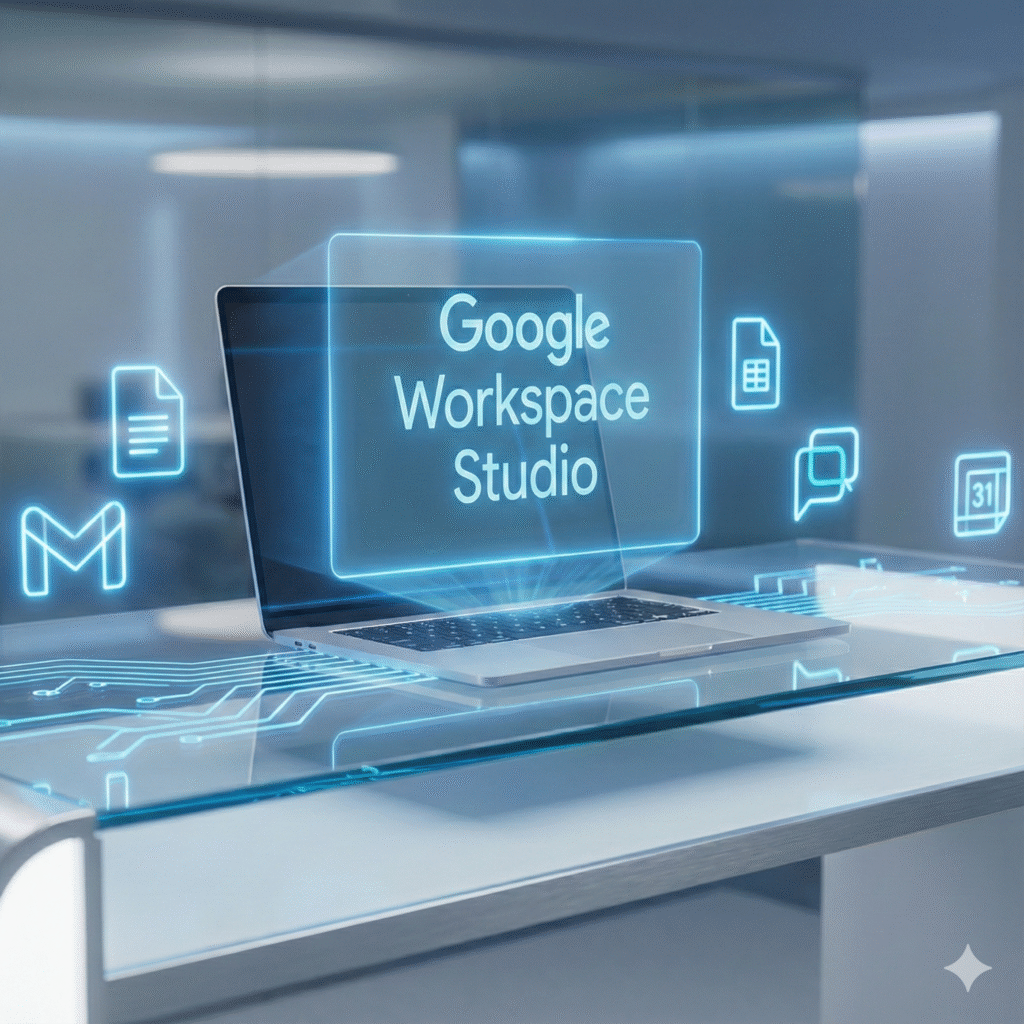
“Digital illustration of a modern office workspace with a futuristic AI assistant hovering over a laptop screen; glowing neon network lines connecting Gmail, Docs, Calendar and Chat icons; a holographic interface labelled ‘Google Workspace Studio’ in bold; overall palette: blue and white corporate-tech tones; style: clean, modern, professional; high resolution for blog feature image.”
This visual reinforces the concept of AI-powered office automation and will improve click-through when paired with your article.
Featured Contents:
+ Best Telecom Data Settlement Secrets : Don’t Miss Your Benefit AT&T $177M
+ iPhone 16 Pro Reduced Price : Major Festival Sale Slashes Flagship Costs
+ Motorola Edge 70 : The Ultra-Slim Smartphone That Redefines Flagship Design